

Google Workspace add-on
Google Forms and quizzes, done for you and verified
Describe the form you need, or bring the questions you already have in Google Sheets. FormMaster AI builds the Google Form or self-grading quiz, checks every question against your plan, and emails the link.

Google Workspace Marketplace and the Google Workspace Marketplace logo are trademarks of Google LLC.
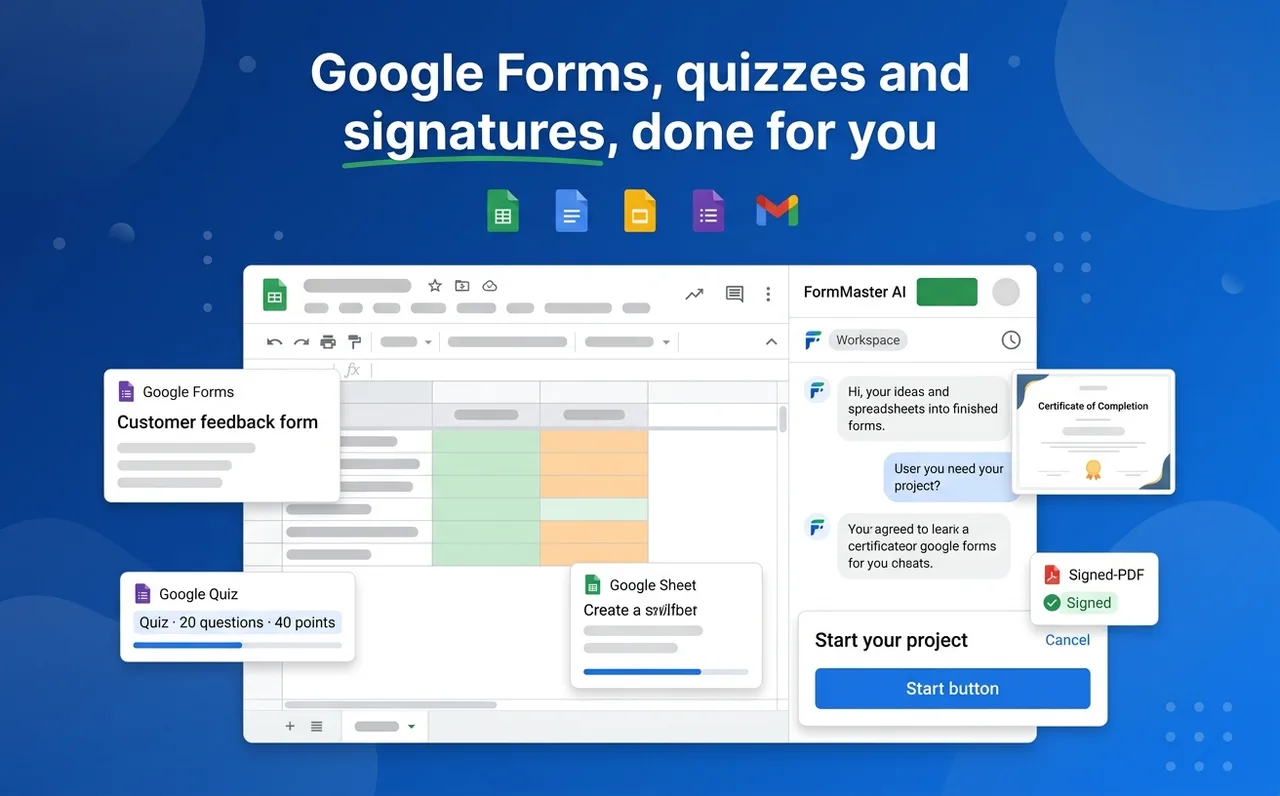
Everything you need to go from idea to a shared form
Built for teachers, trainers and teams who already live in Google Workspace.
Describe with AI
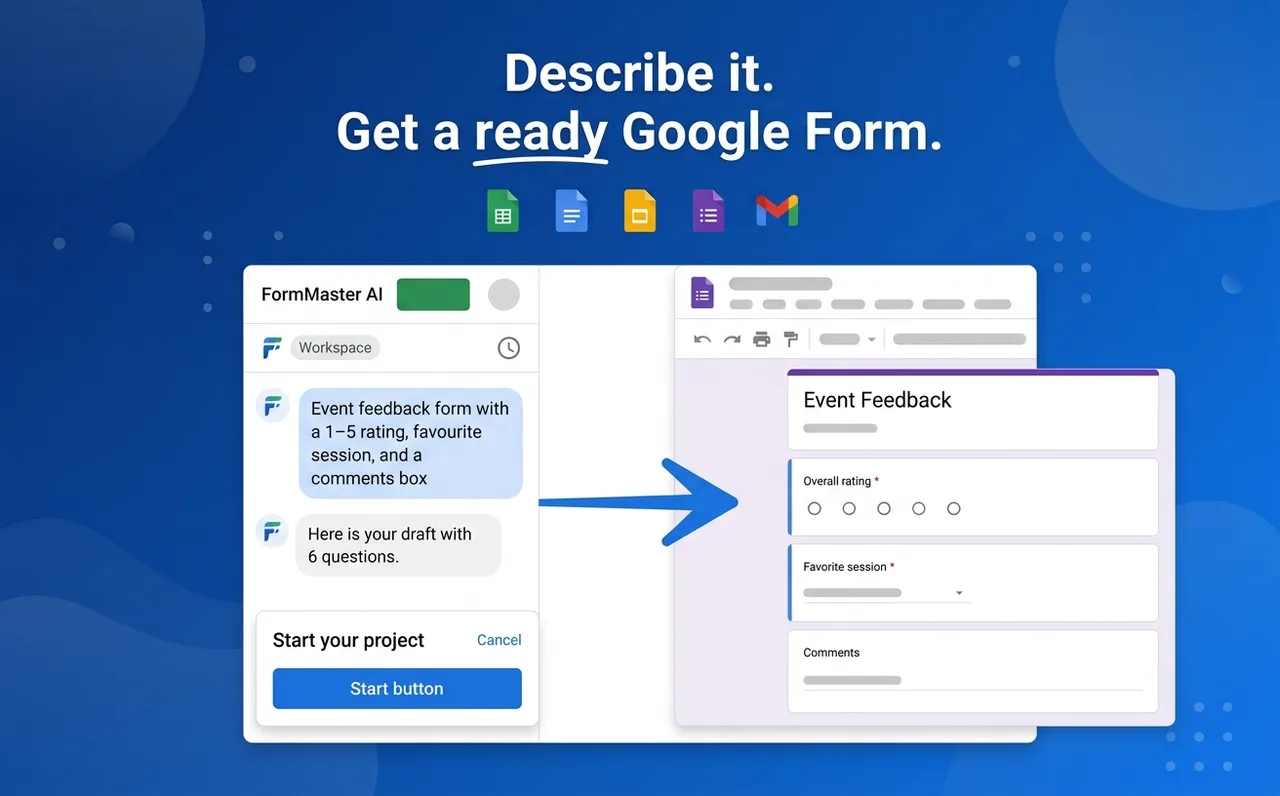
Describe it. Get a ready Google Form.
Type one plain-English request and get a complete draft in a single reply: question types, choices and a clear title. Nothing is created until you have reviewed it.
- One request, one draft, no back-and-forth questions
- Edit, add or delete any question before creating
- Ask the AI for changes when you want a new draft
Bring your own questions
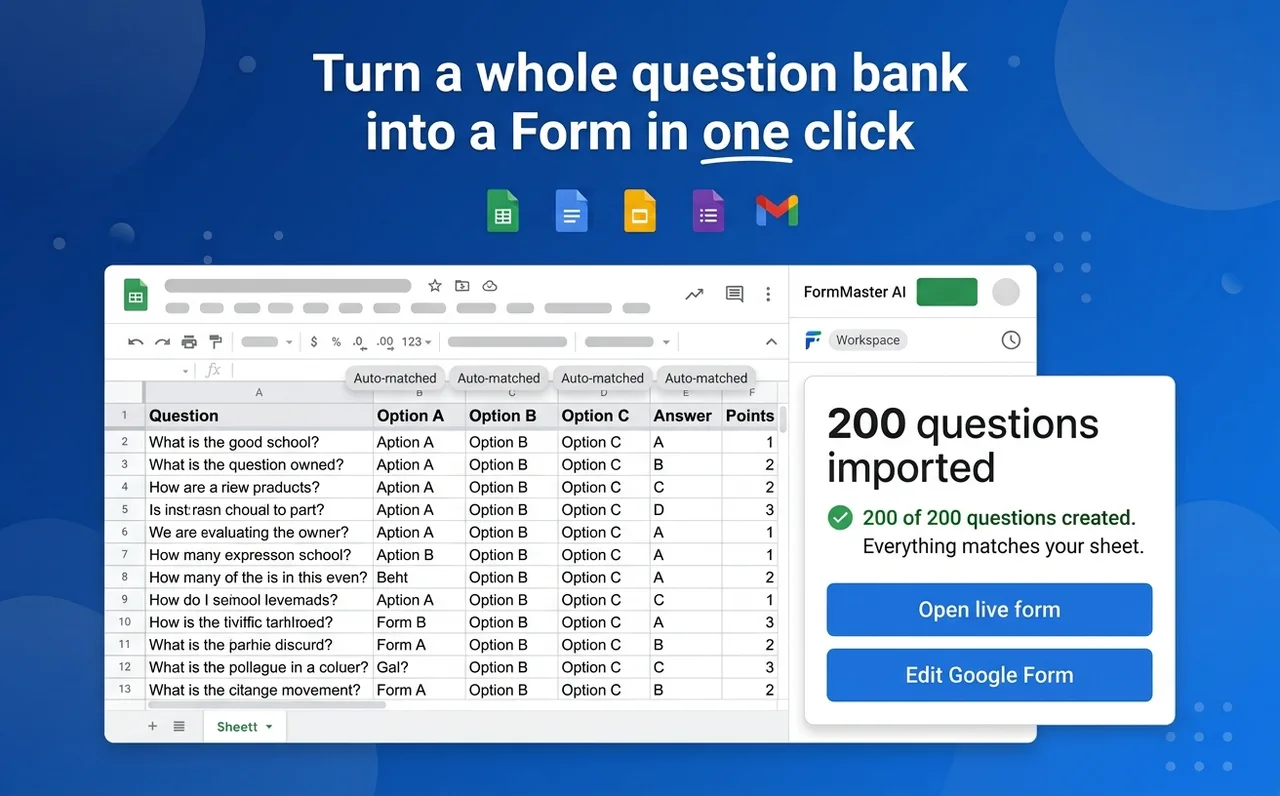
Turn a whole question bank into a Form in one click
Use the sheet you have open, only the rows you highlight, or any spreadsheet from Google Drive. Clear column titles are matched automatically, with no AI involved.
- Up to 200 questions per import
- Question, choice, answer, points, help text and image columns
- Skipped rows are listed with their sheet row number
Self-grading quizzes
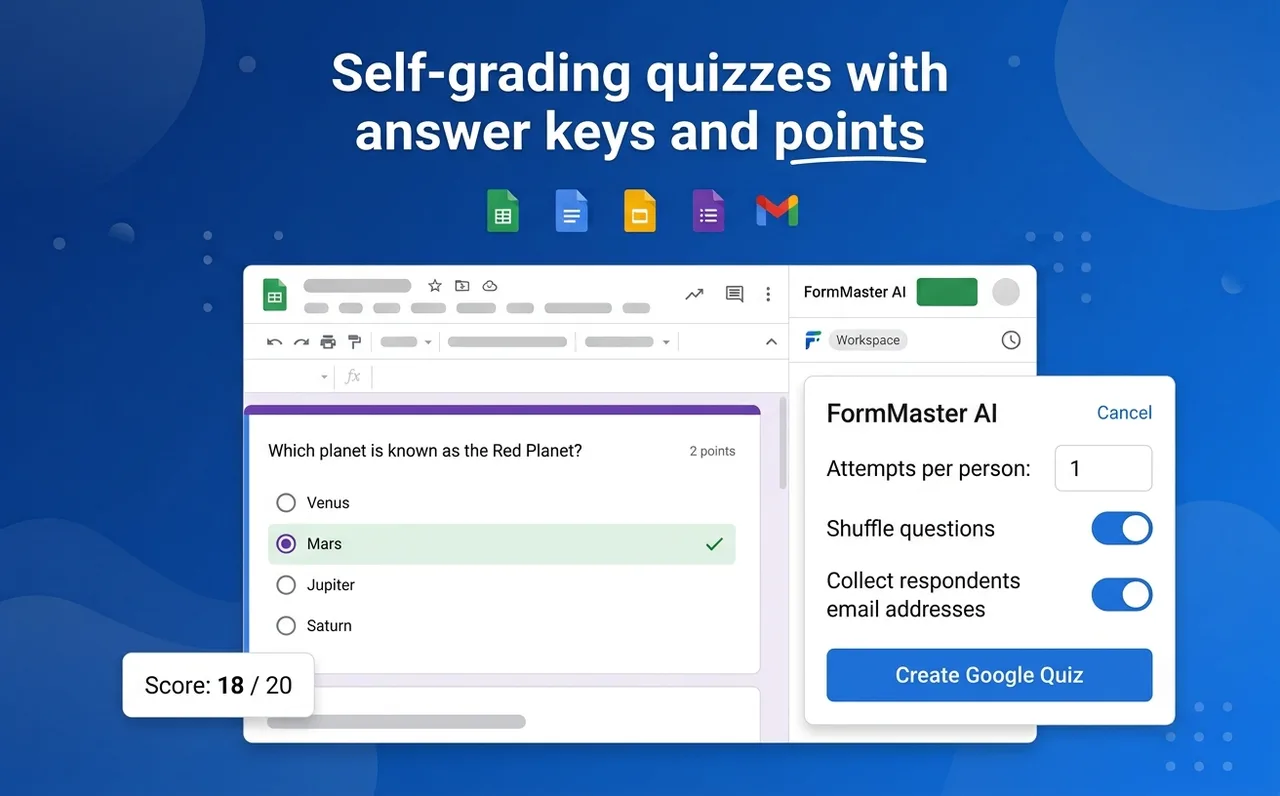
Answer keys, points and one-attempt limits, set for you
Turn any draft into a graded Google Quiz. Correct answers and points come from your sheet or from the AI draft, and you can change every one before creating.
- Correct answers and whole-number points per question
- One attempt per person and shuffled question order
- Collect respondents' email addresses
Verified, then shared
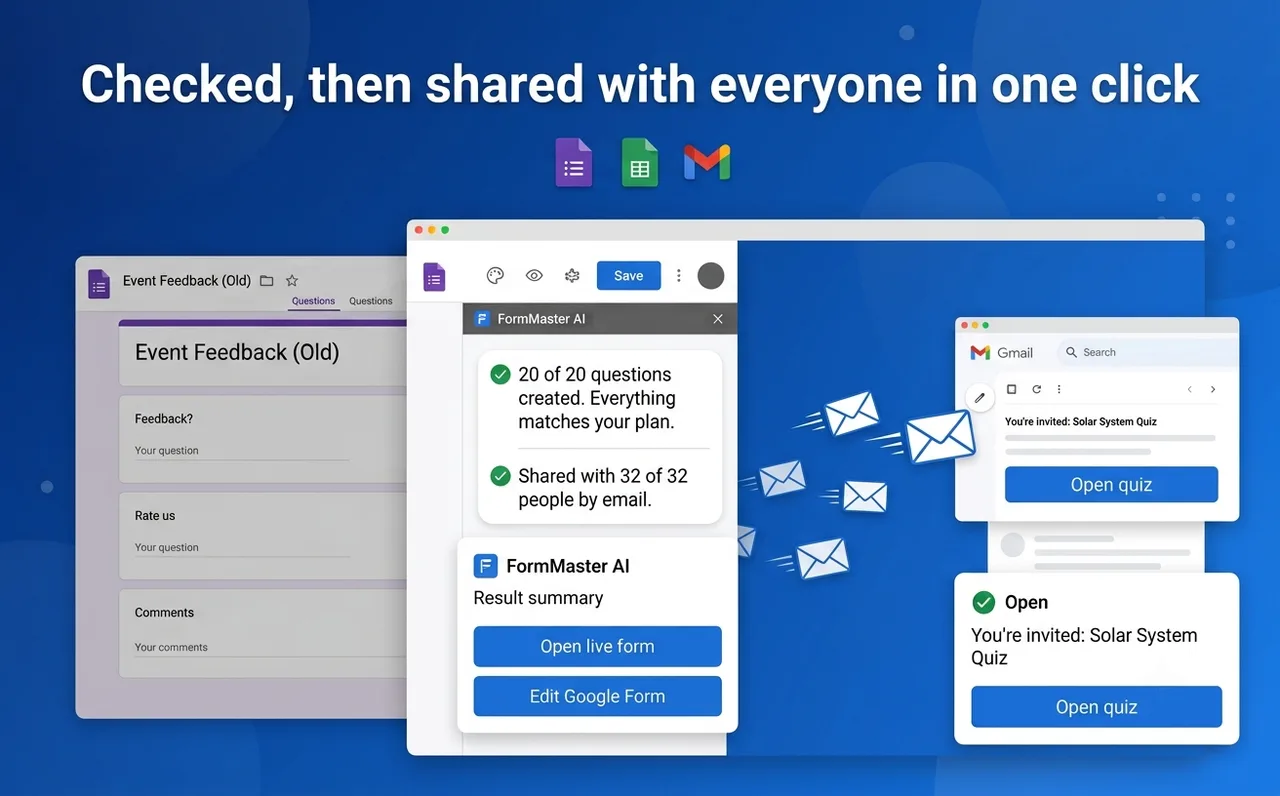
Checked, then shared with everyone in one click
After creating, FormMaster AI reads the new form back and compares it with what you approved. Invitation emails go out only when everything matches, so nothing goes missing silently.
- "20 of 20 questions created. Everything matches your plan."
- Open live form and Edit Google Form links
- Invitations only after a clean check
Private by design
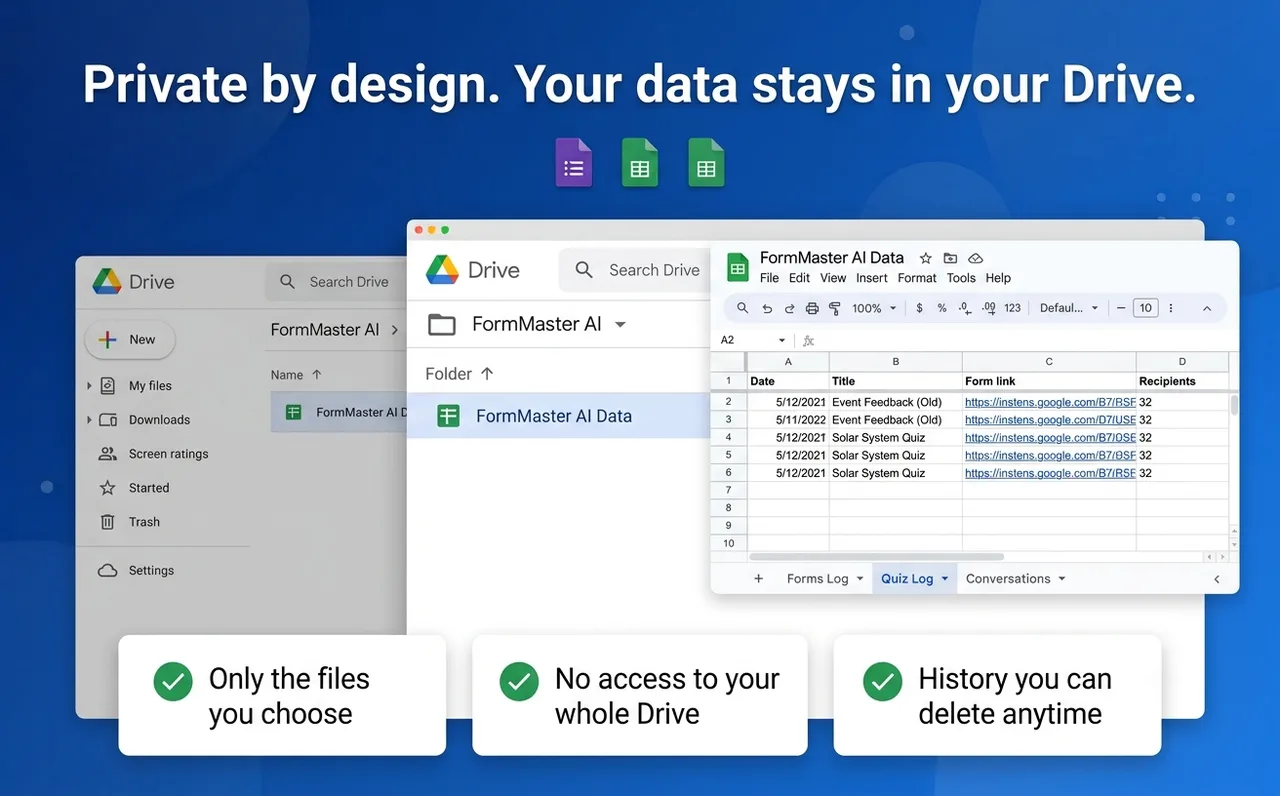
Your data stays in your Drive
FormMaster AI only opens the files you choose. Everything it creates and every conversation is kept in a spreadsheet in your own Google Drive folder, which you can delete at any time.
- Only the files you choose, never your whole Drive
- Forms Log, Quiz Log and Conversations in a sheet you own
- No restricted Google permissions
How it works
Open FormMaster AI
From the Extensions menu in Google Sheets or Google Docs.
Describe it or pick a sheet
Type one sentence, or choose your sheet, marked rows or a Drive file.
Review and edit
Every question, answer and setting is shown before anything is created.
Create and share
The form is checked against your plan, then the link is emailed.
Coming next to FormMaster AI
The same simple flow, extended to the rest of your paperwork.
Enhance existing formsComing soon
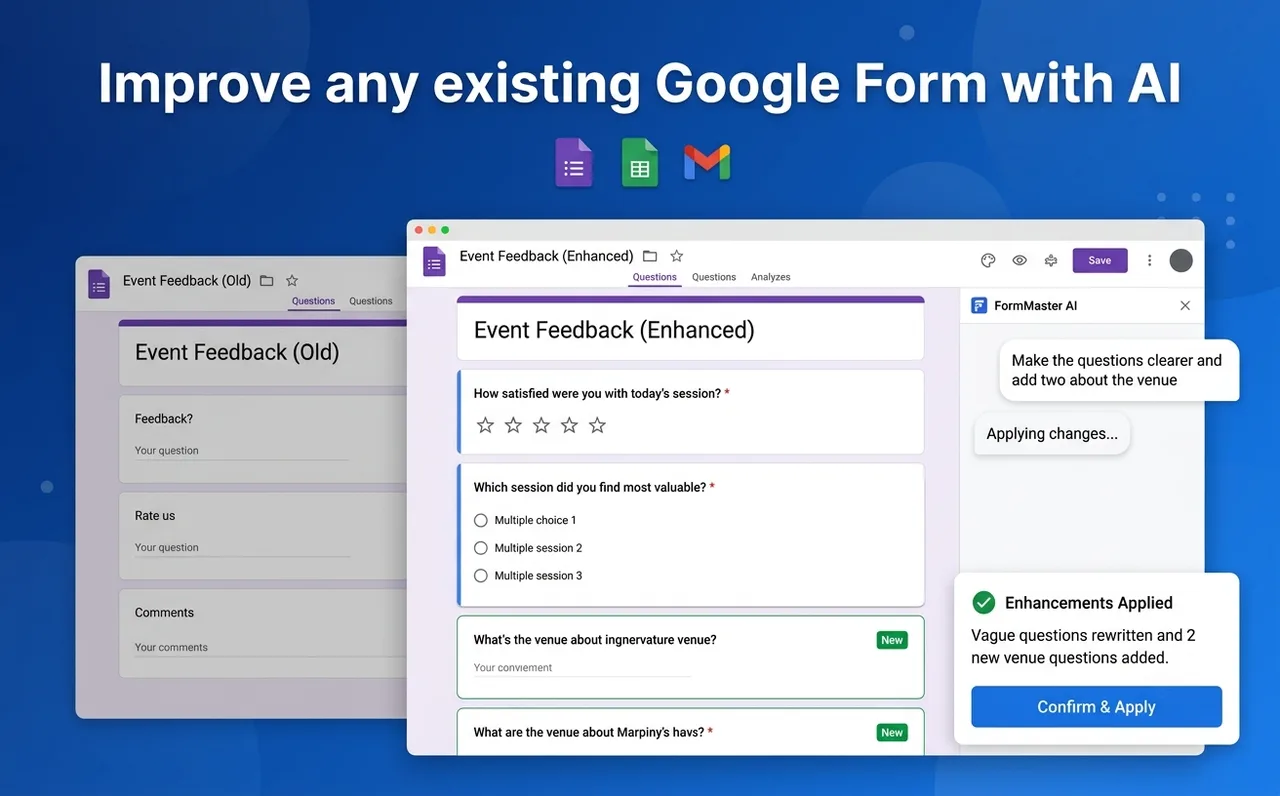
Improve any existing Google Form with AI
Add questions, rewrite unclear ones and tidy up the forms you already have, without starting over.
- Clearer wording, better scales
- New questions added where they fit
- Review every change before applying
Sheet to Form to CertificatesComing soon
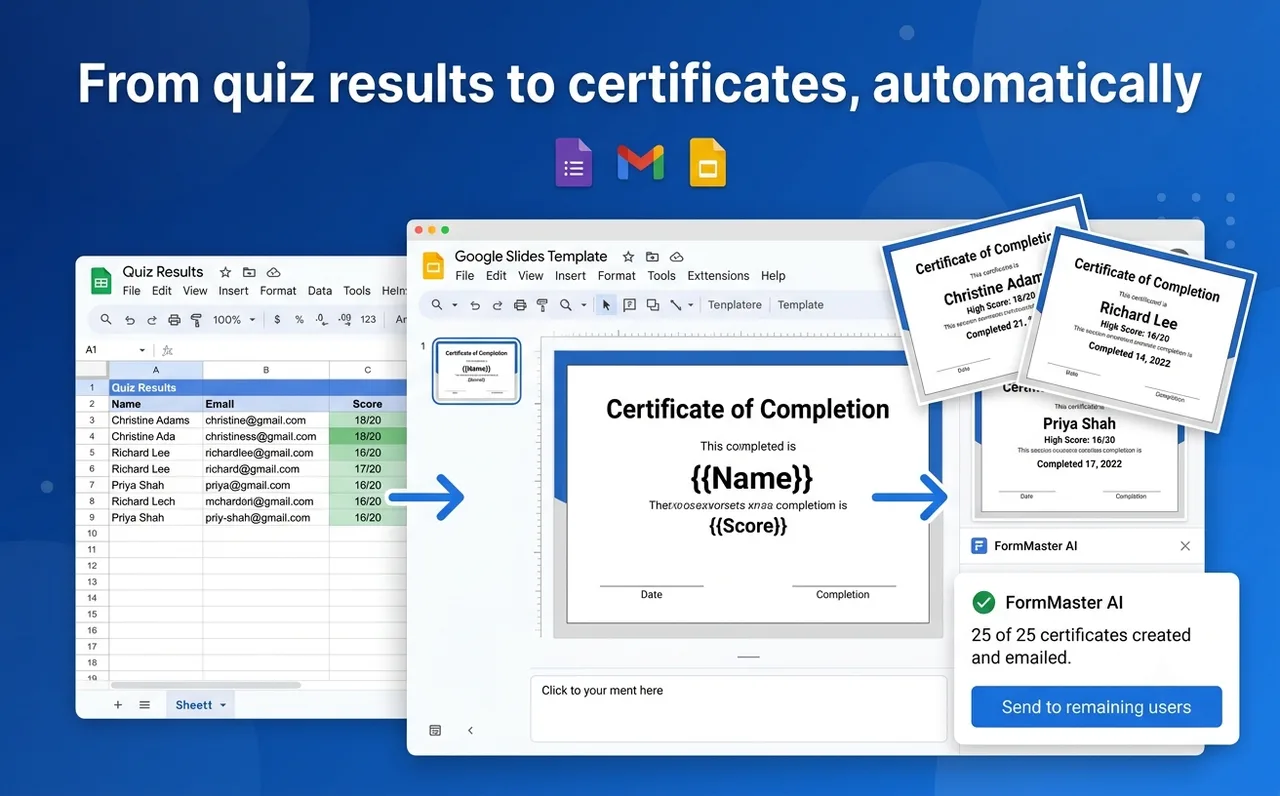
From quiz results to certificates, automatically
Run the quiz, collect the results, and send every passing participant a personalised certificate, all from one sheet.
- Fill a Google Slides template per row
- One PDF per participant
- Emailed and counted, nothing missed
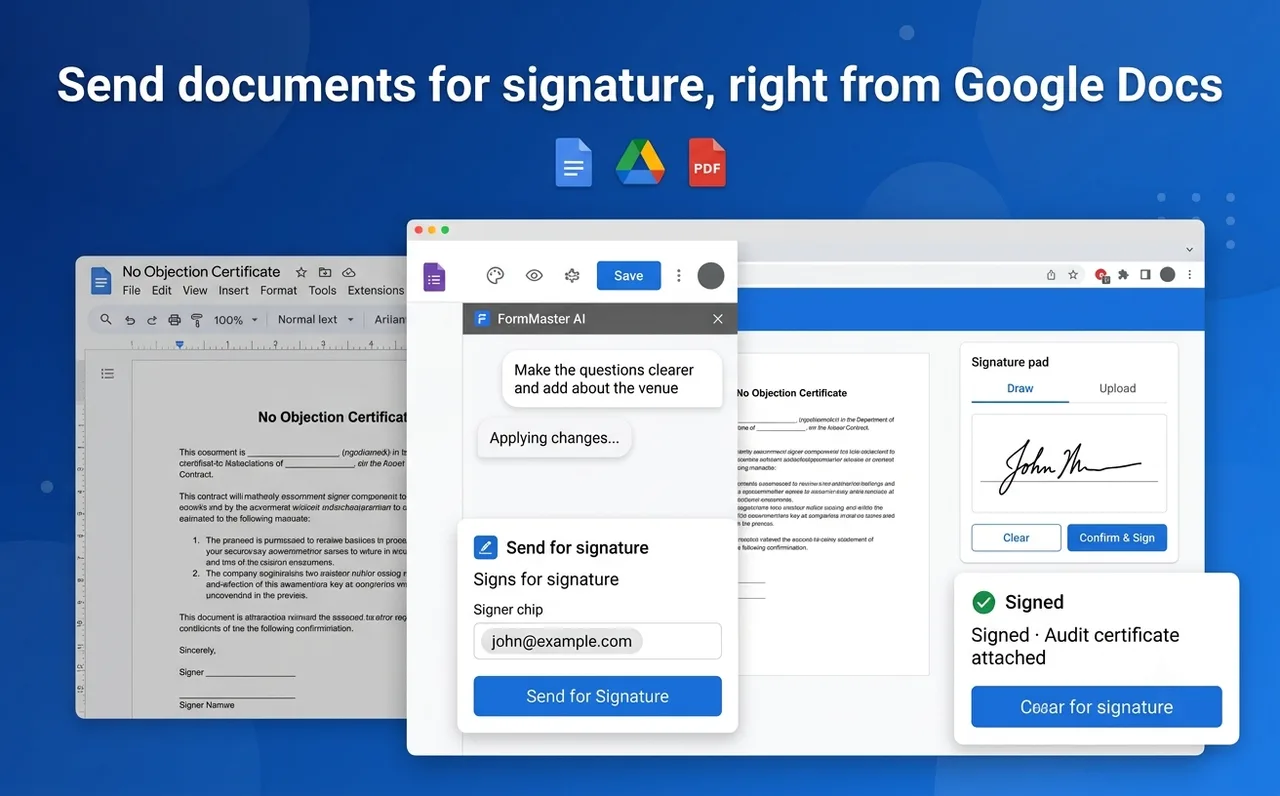
Digital signaturesComing soon
Send documents for signature, right from Google Docs
Signers need no account. They sign in the browser, and everyone receives a sealed PDF with an audit certificate.
- Draw or upload a signature
- Sealed PDF for both sides
- Audit trail with time and signer
Questions, answered
Does FormMaster AI use AI on my spreadsheet?
Not unless you ask. Sheet imports match columns by their titles with fixed rules. The AI is only used when you choose Describe with AI, or press Match with AI for a messy sheet, and then it sees the column titles and the first two rows.
How many questions can I create?
Up to 20 questions from a description, and up to 200 questions from a Google Sheet.
Which Google permissions does it need?
Only non-restricted permissions: create forms, open the files you choose, read the spreadsheet it is opened in, show its sidebar, send the invitation emails you ask for, and connect to its AI service. It never asks for access to your whole Drive or your Gmail.
Where is my data stored?
In a FormMaster AI Data spreadsheet in a Google Drive folder you choose. Your conversation history lives there too, and you can delete it at any time.
Can I edit the form after it is created?
Yes. Every created form opens in Google Forms with the Edit Google Form link, like any form you made yourself.
How do I convert a Google Sheet into a Google Form?
Open FormMaster AI in Google Sheets and choose the sheet you have open, the rows you highlight, or any spreadsheet from Google Drive. Put one question per row with its options in the next columns. FormMaster AI matches the columns, shows every question for review, then creates the Google Form, up to 200 questions at a time.
How do I make a self-grading quiz in Google Forms from a spreadsheet?
Add an Answer column, and optionally a Points column, next to your questions in Google Sheets. FormMaster AI turns the sheet into a Google Forms quiz with the correct answers and points set, and can limit each person to one attempt and shuffle the question order. Google Forms then grades every response automatically.
Is there an AI Google Form generator?
Yes. FormMaster AI is an AI Google Form generator that works inside Google Workspace: describe the form in one sentence, such as "event feedback form with a 1 to 5 rating and a comments box", and it drafts up to 20 questions for you to review and edit before the Google Form is created.
Can AI create a quiz with answer keys in Google Forms?
Yes. Ask FormMaster AI for a quiz on any topic and it drafts the questions with correct answers and points. The answer key is marked as AI-generated so you can check and change each answer before the Google Forms quiz is created.
Which question types does FormMaster AI support?
Short answer, paragraph, multiple choice, checkboxes and dropdown questions, with help text, required settings and images from Google-hosted links.
Can I import questions from Excel or CSV into Google Forms?
Open the Excel or CSV file in Google Sheets first (File, then Import), then use FormMaster AI to turn it into a Google Form or quiz. Direct Excel and CSV import is planned.
Is FormMaster AI good for teachers?
Yes. Teachers use it to turn an existing question bank into a graded Google Forms quiz in minutes, with answer keys, points, one-attempt limits and respondent email collection. The finished quiz link can be emailed to students or posted in Google Classroom.
Is FormMaster AI free?
FormMaster AI is free during early access. We will give notice before introducing any paid plan.
Build your next Google Form in minutes
FormMaster AI is free during its public beta. Install it from the Google Workspace™ Marketplace, or tell us how you use Google Forms and we will help you set it up.