




In short
The sheet worked. The risk was that anyone could overwrite a column, letters were made by copy-paste, and the one person who knew the formulas was leaving.
Who: A fictional member organisation with a few hundred members, two part-time staff and volunteers. Illustrative scenario: the numbers show what a typical engagement of this kind looks like, not a measured client result.
Where it started
- Members, payments and letters in one Google Sheet™ with hand-typed formulas and no history of who changed what.
- Letters and receipts made by copying a template document and replacing names by hand.
What was done
- Wrote the process down in plain words with the staff, including the exceptions.
- Kept Google Sheets™ as the data store the staff could still open, added validation and protected ranges, and a change log.
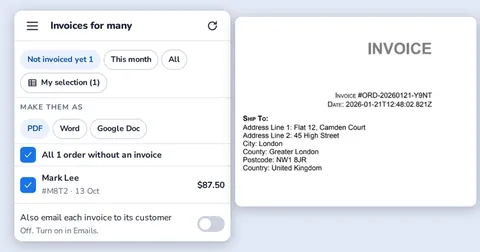
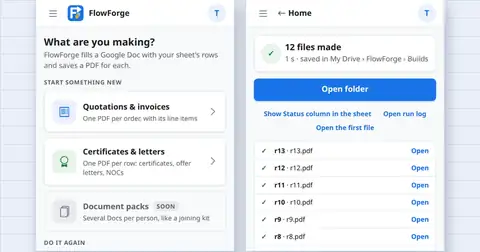
- Built a small sidebar add-on that makes the letters and receipts from the rows, the way Codeinate's own DocMaster add-on does for invoices.
- Documented the formulas and the add-on so a volunteer can follow them.
What changed
- The sheet is still the sheet. Letters take one click, mistakes are caught before they are saved, and the knowledge is written down.
The numbers
| What | Value | How it was measured |
|---|---|---|
| Time saved | Depends on the volume of letters | illustrative; not measured |
Source: Illustrative scenario built from the problems listed on the Workspace automation page and from how Codeinate's own add-ons work. No client, no measured figures.